Kilho.net

Update

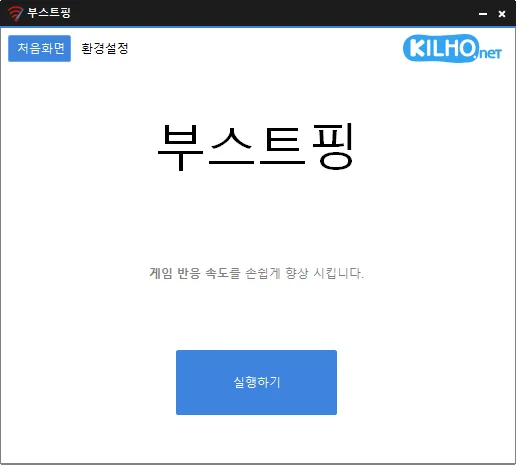
MemoryCleaner 3.0.3 Update

Fixed unexpected program exits during logoff or restart in some environments when using the Korean IME Refined translations of settings names, memory labels, and messages in some languages Changed how running programs are closed during installation or uninstallation Changed the app display name to MemoryCleaner in all languages except Korean Fixed label text being clipped with Chinese fonts Fixed the tray icon not appearing at startup in some environments A lightweight program for efficient memory management. Choose which memory areas you want to clean. Automatically cleans memory based on your selected interval or memory usage. Automatically clears cached memory when available memory runs low. Runs quietly in the system tray with minimal memory usage.
Read more — MemoryCleaner 3.0.3 Update
Update

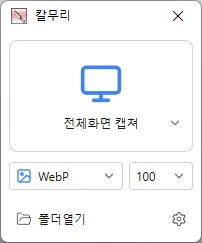
BoostPing 2.0.1 Update

Added relaunch handling after graphics related crashes in some environments Refined shutdown handling for the running app during installation and uninstallation Refined Spanish and Italian error messages to use a more formal tone Analyzes and sets up the exact network you are active on. Modify the Network throttling index Disables the Nagle algorithm.

Read more — BoostPing 2.0.1 Update
Update

Kalmuri 5.0.5 Update

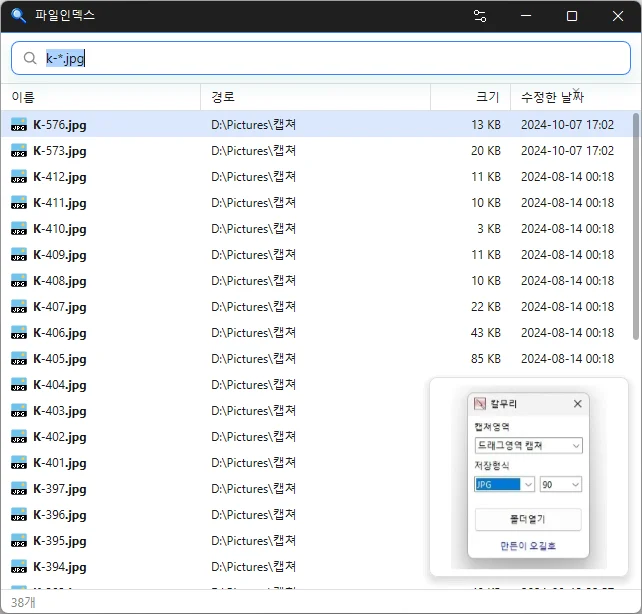
Added video and audio quality options for MP4 recordings and changed the default video quality to Standard Capture the full screen, active programs, window controls, or selected areas Edit captured images instantly without saving them first Record videos in full screen or a selected area Extract text from images using OCR Pin captured images on your screen Save in PNG, JPG, BMP, GIF, WebP, or MP4 format Share captured images directly to the web Print captured images instantly Pick colors from anywhere on your screen Capture entire web pages

Read more — Kalmuri 5.0.5 Update
Notice

A Metaverse Memorial for Pets Who Crossed the Rainbow Bridge — Rainbow Hill

A place you can visit anytime to remember a dog or cat who crossed the Rainbow Bridge: Rainbow Hill, an online pet memorial. Add your pet’s photo and name to a space in this 3D metaverse memorial, and anyone can visit to leave flowers and light a candle. It also explores ways to share the grief of pet loss.

Read more — A Metaverse Memorial for Pets Who Crossed the Rainbow Bridge — Rainbow Hill
Notice

TempleDay: Learn Buddhist Temple Etiquette in a 3D Mountain Temple

Not sure how to enter the hall or perform a greeting and three prostrations on your first visit to a Buddhist temple? This guide explains temple etiquette and the meaning behind the sounds of the temple bell, wooden fish, and wind chimes—and introduces TempleDay, an app where you can practice greetings and prostrations with other visitors in a 3D mountain temple.

Read more — TempleDay: Learn Buddhist Temple Etiquette in a 3D Mountain Temple
Update

Nemo 1.0.0 Update

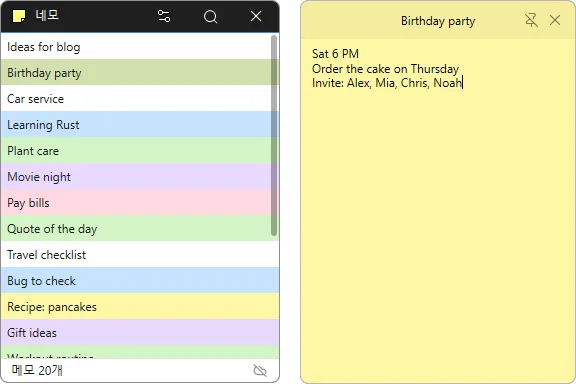
Added server sync 2 seconds after saving, every 10 minutes, or on demand Added sync that preserves notes edited on multiple devices as conflict copies Added note search by title and body in the list window Added note count and server connection and sync status to the list window Added a global shortcut for opening a new note and the option to change it Changed tray icon clicks to bring open note windows to the front Added emoji support Open a note like a sticky note and jot down thoughts as they come to you. A note’s position, size, and pin setting stay the same the next time you launch the app. Choose from a range of colors to tell your notes apart at a glance. Search note titles and contents to find what you need. Connect to the server whenever you need to manage the same notes on your PC and the web. Sign in securely through your browser using OAuth 2.0 and PKCE. Add emoji to give your notes a little more personality.

Read more — Nemo 1.0.0 Update
Update

KPlayer 1.3.0 Update

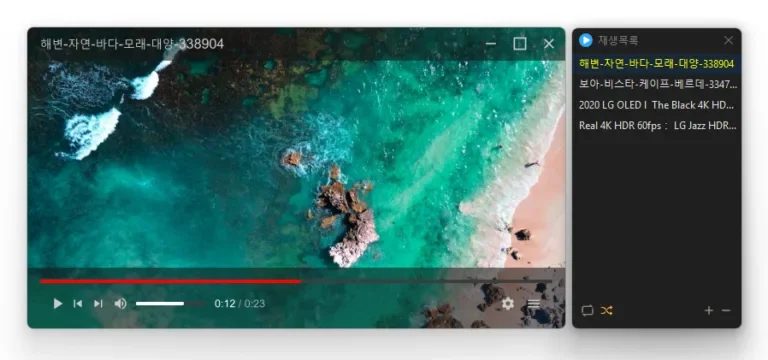
Added aspect ratio preservation when resizing from a window edge Changed shortcut settings to assign keys for each action Refined recovery after graphics errors in some environments Added selection of multiple playlist items by dragging across empty space Centered value labels on settings sliders Added shortcuts for changing the display size Added a shortcut for rotating the display Changed subtitle color selection to use a clickable color box Added playlist search Fixed the edge scrolling direction when moving playlist items Fixed seeking and volume adjustment failures in some locales Plays many media formats right away, with no extra codecs to install. Hardware acceleration keeps high-resolution video smooth. Ready to use as soon as it is installed, and it stays light and fast.

Read more — KPlayer 1.3.0 Update
Update

Secret Video 1.4.0 Update

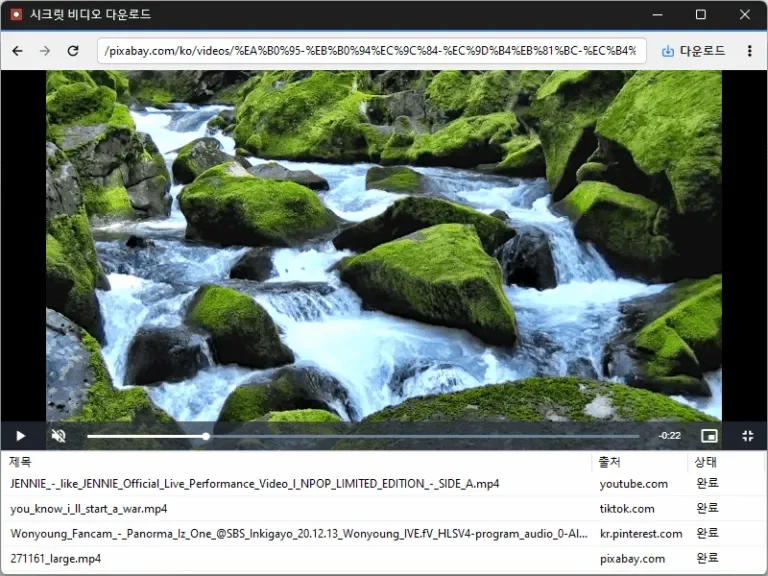
Changed save-folder selection from a Browse button to clicking the field Changed shortcut-entry styling to muted text and an accent border Refined dropdowns to highlight only the item under the pointer Refined separators and the delete item label in the download-list context menu Updated the installer to close a running app normally during installation and removal Conveniently watch videos from OTT services and various other websites. Automatically switch full-screen video to a PIP window. Freely adjust the position and size of the PIP window. Keep watching in the PIP window while doing other work. Save an entire web page as an image with a hotkey. Easily save publicly available videos.

Read more — Secret Video 1.4.0 Update
Update

KPlayer 1.2.0 Update

Fixed the Always on Top state changing after switching apps or closing Settings Fixed video duration appearing one second longer than the actual length Fixed playback crashes in some environments Fixed an error when closing the program after playback Prevented crashes when adding deeply nested folders to the list Plays many media formats right away, with no extra codecs to install. Hardware acceleration keeps high-resolution video smooth. Ready to use as soon as it is installed, and it stays light and fast.

Read more — KPlayer 1.2.0 Update