Kilho.net

Update

Aseul 0.9.3 Update

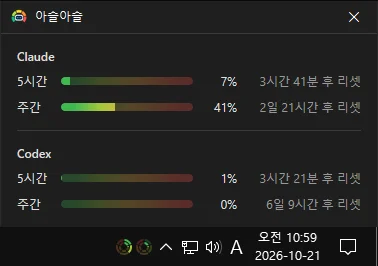
Fixed automatic startup failing after sign in on some systems Fixed the detail window position not being remembered after moving it and exiting Fixed incorrect detail window sizing after display scaling or resolution changes Fixed the default title bar briefly appearing when closing the detail window Added an option to create a desktop shortcut during installation Display 5-hour and weekly usage as a circular dual-ring gauge. Periodically check Claude and Codex usage rates to keep the data up to date. Hover over the gauge to view the 5-hour and weekly usage rates for each service. Click the gauge to view usage rates, time remaining until the next reset, and usage history. Automatically adapt the gauge's appearance to match the Windows taskbar's light or dark theme. Display a chart showing weekly usage trends over the past 7 days.
Read more — Aseul 0.9.3 Update
Update

FileIndex 1.0.0 Update

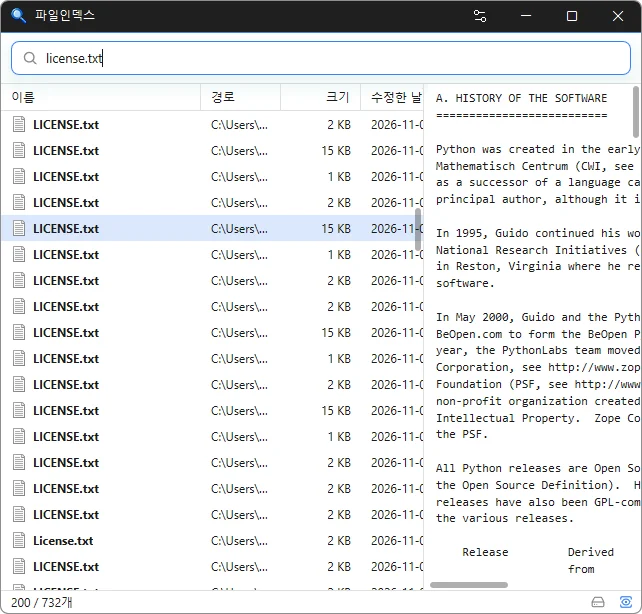
Restored the last window size and position when reopening the program Added Lavender, Mint, Sepia, Pink, Midnight, and Forest themes Changed the title bars of the main and settings windows to the Windows default style Added a desktop shortcut option to the installer Instantly find files across your entire PC by simply typing a file name. Supports Korean initial consonant search to find files with just a few keystrokes. Offers advanced search filters, including extensions, file sizes, wildcards, and regular expressions. Detects duplicate files by comparing names, sizes, and file contents. Keeps search results up to date by tracking file changes in real time. Minimizes system impact with fast initial indexing and low memory usage. Supports opening, copying, dragging and dropping, and previewing files just like File Explorer. Keeps your file index stored locally without sending data to external servers. Supports 22 languages and light and dark themes.

Read more — FileIndex 1.0.0 Update
Update

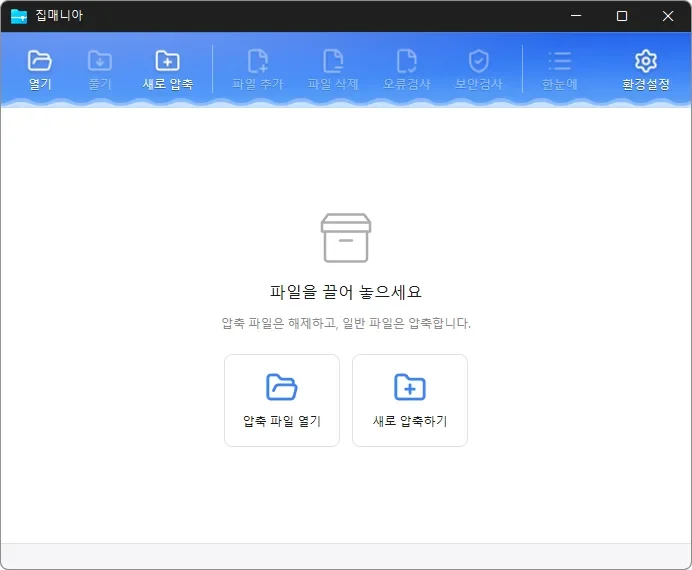
ZipMania 1.1.3 Update

Added support for viewing, extracting, and testing an entire split EGG archive from any part Added a message when a part is missing Changed the extraction folder name to the archive name Prevented duplicate extraction when multiple parts are selected Opens a wide range of archive formats, including ZIP, RAR, 7Z, EGG, ALZ, and ISO. Previews images and text without extracting the archive. Uses a dedicated ZIP engine for fast compression and extraction. Supports password protection, filename encryption, and split archives. Compresses and extracts files directly from the Windows Explorer context menu. Free to use with no ads or bundled software.

Read more — ZipMania 1.1.3 Update
Update

WorldView 1.1.3 Update

Fixed sorting of folder names containing dots Fixed dragging of zoomed images in fullscreen Changed fullscreen transitions to restore manually adjusted zoom to the opening zoom level Added Ctrl+0/⌘+0 to restore the opening zoom level Improved tooltip text readability in dark mode Added window resizing to match the image aspect ratio while holding Shift Added an option to change the aspect ratio key in settings Added image/PDF/HWP printing to the right-click menu Added PDF/HWP printing to Explorer Added support for macOS 13 and later Opens JPEG, PNG, GIF, WebP, TIFF, BMP, SVG, JPEG XL, and many other image formats. Views images inside ZIP, RAR, and 7Z archives and PDF pages, page by page, without extracting them. Supports single-page, two-page, cover-page, and webtoon viewing modes. Supports animated images, auto-rotation, color conversion, and smooth zooming. Uses GPU rendering and image caching to display high-resolution images smoothly. Provides file associations, fullscreen viewing, image information, and Recycle Bin deletion.

Read more — WorldView 1.1.3 Update
Update

KPlayer 1.4.0 Update

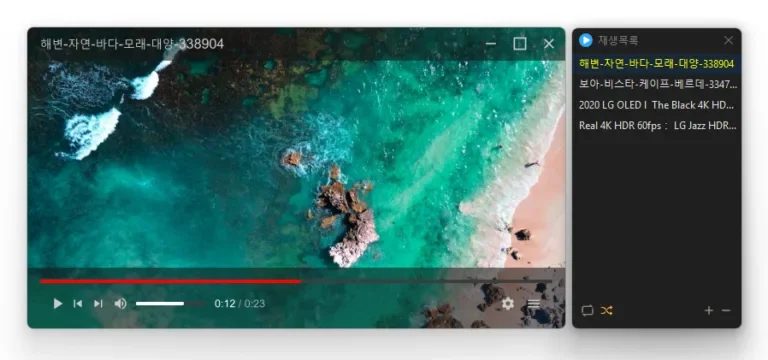
Fixed the mouse cursor not reappearing after seeking in fullscreen on some systems Added separate settings to hide the caption and control bar Added support for macOS 11 and later Plays many media formats right away, with no extra codecs to install. Hardware acceleration keeps high-resolution video smooth. Ready to use as soon as it is installed, and it stays light and fast.

Read more — KPlayer 1.4.0 Update
Update

Secret Video 1.4.5 Update

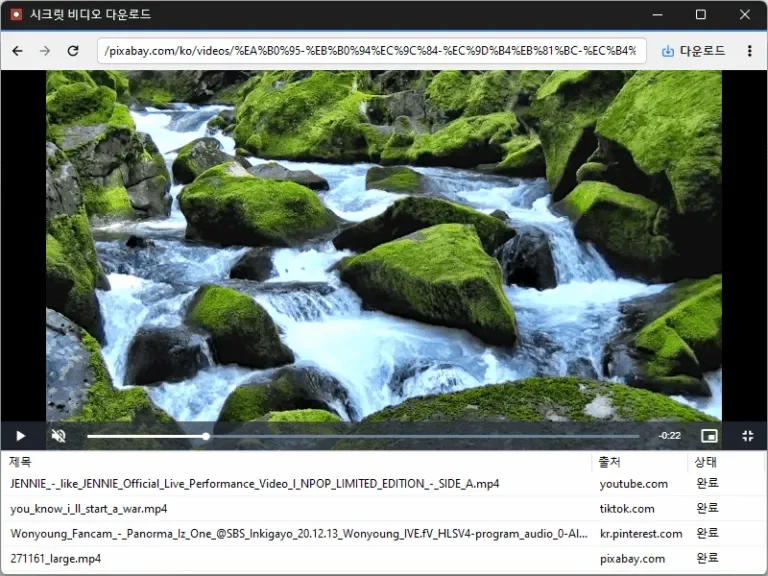
Fixed Videos being saved at lower quality when downloading at the highest quality Conveniently watch videos from OTT services and various other websites. Automatically switch full-screen video to a PIP window. Freely adjust the position and size of the PIP window. Keep watching in the PIP window while doing other work. Save an entire web page as an image with a hotkey. Easily save publicly available videos.

Read more — Secret Video 1.4.5 Update
Update

OpenSide 1.1.7 Update

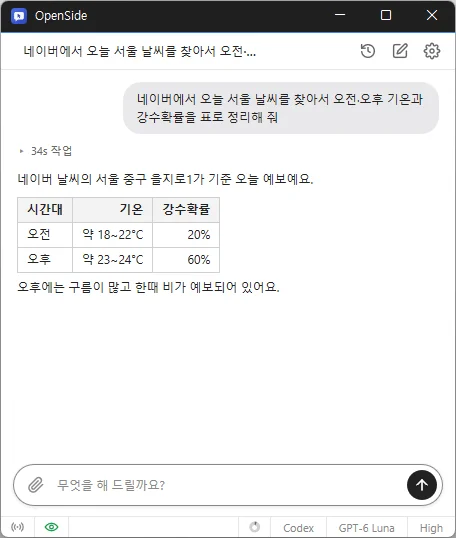
Added conversation and memory backup export/import in settings Changed Telegram error messages to direct users to check their PC Reduced delays when opening settings on some systems Fixed windows remaining enlarged after display resolution or scaling changes Added a desktop shortcut option to the installer Fixed the default title bar briefly appearing when closing windows Fixed dialogs appearing behind the app when always on top is enabled Tell AI what you need, and it handles searches, clicks, and typing. Automate repetitive tasks like filling out forms and collecting data. Use your existing Chrome or Edge browser and stay signed in. Request tasks and receive results from anywhere via Telegram. Save collected data to Excel.

Read more — OpenSide 1.1.7 Update
Update

StayOn 2.0.3 Update

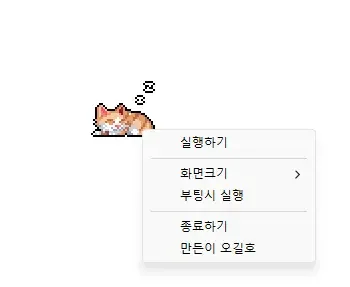
Fixed menu freezes on some systems Updated the installer design and added dark mode support Added an option to create a desktop shortcut during installation Changed the update dialog position to the center of the screen Keeps your computer from going into sleep mode or turning off the screen while you work. Works without adjusting any Windows power or sleep settings. Rebuilt in C to greatly reduce the program's file size. Click the cute animated cat on your screen to turn sleep prevention on or off.

Read more — StayOn 2.0.3 Update
Update

KPlayer 1.3.7 Update

Fixed playlist and settings windows not closing with their opening shortcuts Fixed inconsistent or failed 5-second backward seeking in some files Plays many media formats right away, with no extra codecs to install. Hardware acceleration keeps high-resolution video smooth. Ready to use as soon as it is installed, and it stays light and fast.

Read more — KPlayer 1.3.7 Update
Update

1stChip 0.9.2 Update

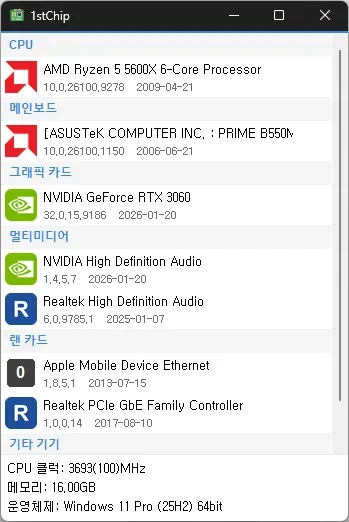
Expanded the name area for devices without a status indicator and added ellipses for long names and versions Changed the scroll bar to appear only when hovering over the device list Changed status hints to appear inside the program window Removed arrow key navigation in the device list See your CPU, motherboard, graphics card, multimedia, network card and other devices on one screen. Shows the installed driver version and date for each device. Compares against the server and tells you when a newer driver is available. Shows CPU clock, memory size and operating system. No installer: unzip and run, so you can carry it on a USB drive.

Read more — 1stChip 0.9.2 Update
Update

KTimer 2.0.2 Update

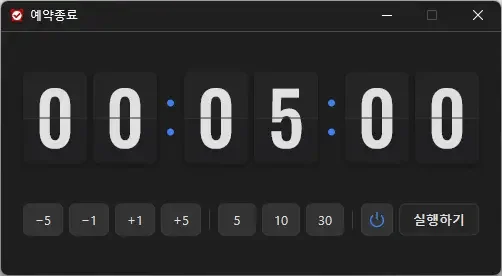
Streamlined installation with program information and desktop shortcut selection on the first screen Fixed truncated status text in some languages when the timer expires Refined translations of power options and the Run button in some languages You can automatically shut down your computer at a time of your choosing. The computer shutdown screen is automatically captured.

Read more — KTimer 2.0.2 Update