
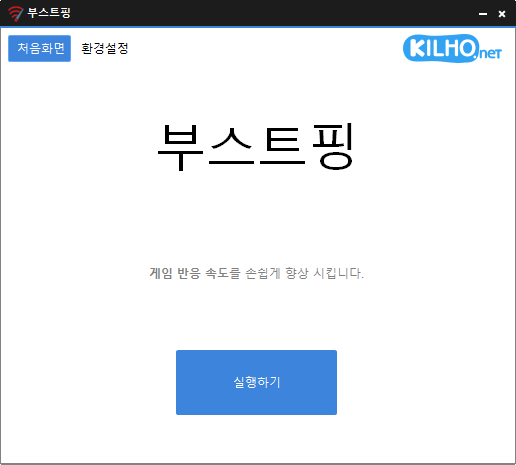
Update
- Added relaunch handling after graphics related crashes in some environments
- Refined shutdown handling for the running app during installation and uninstallation
- Refined Spanish and Italian error messages to use a more formal tone
- Analyzes and sets up the exact network you are active on.
- Modify the Network throttling index
- Disables the Nagle algorithm.
Website
- BoostPing: https://boostping.kilho.net
History
-
Version 2.0.0 (2026/10/12)
- Improved the screen design to show the current status and selected items at a glance
- Improved ease of use with descriptions for each setting and clearer start/stop buttons
- Reduced screen freezes when applying/reverting settings and reconnecting the network
- Improved status recovery so applied settings can be correctly identified and reverted after closing the program during a settings change
- Improved reading direction and text display on Arabic screens
- Changed system requirements to support only 64-bit Windows
- Improved update installation to prevent leftover files and duplicate startup entries from the previous version
-
Version 1.7.2 (2026/09/16)
- Fixed an issue where some users could lose their previous settings after stopping optimization
- Improved restoration to keep unselected settings unchanged
- Improved reliability so remaining changes can be reverted after an unsuccessful setup
- Improved compatibility for safely stopping optimization started in previous versions
-
Version 1.7.1 (2026/08/11)
- Improved stability by automatically restoring changes when setup fails
- Enhanced network switching support for wired and wireless connections
- Improved the service to keep running when an issue is detected during stop
- Fixed setup and reset issues reported in some environments
-
Version 1.7.0 (2026/07/03)
- Improved internet connectivity detection
- Enhanced network adapter detection reliability
- Improved network connect/disconnect handling
- Cleaned up and optimized network-related code
- Added Spanish language support
License
- BoostPing is freeware.
- You can use it freely anywhere, whether at work, at home, in government offices, or at school.
- You’re free to distribute it anywhere.
Download
 Download
(Windows)
Frequently Asked Questions (FAQ)
- Is BoostPing free?
Yes, you can use BoostPing for free anywhere, including at work, at home, in government offices, and at school. - Do I need to install it?
No, you can use it easily by running the executable file—no installation required. - Does it help with regular internet use, too?
BoostPing is optimized for online gaming, so we recommend turning it off when using the internet for everyday activities.
Related Links
- Update notice: https://kilho.net/archives/notice/2940