Kalmuri 5.1.1 Update
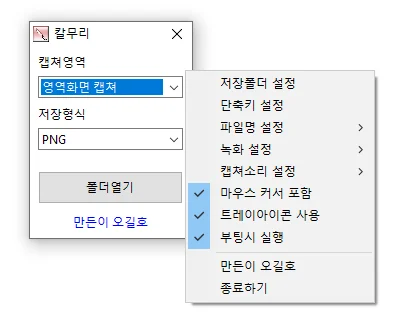
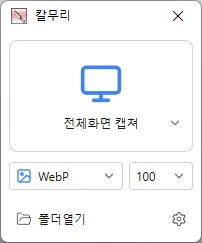
Fixed a red line appearing along the right and bottom edges of area recordings Fixed the main window staying enlarged after display resolution or scaling changes in some Windows environments Fixed the main window appearing 7 px to the right after launching to the tray on Windows Added a setting to remember the area window and main window positions separately Added a shortcut hint when hovering over the capture area Added a Windows option to capture the cursor’s monitor or all monitors in full screen captures Capture the full screen, active programs, window controls, or selected areas Edit captured images instantly without saving them first Record videos in full screen or a selected area Extract text from images using OCR Pin captured images on your screen Save in PNG, JPG, BMP, GIF, WebP, or MP4 format Share captured images directly to the web Print captured images instantly Pick colors from anywhere on your screen Capture entire web pages