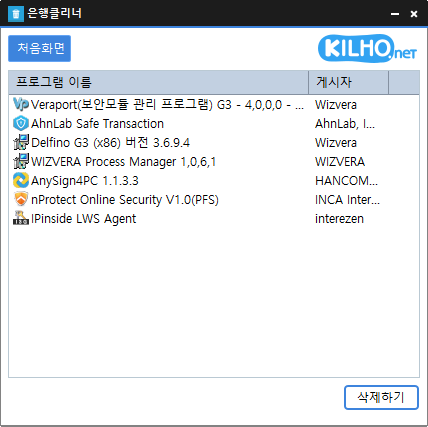
Is BankCleaner free? Yes, BankCleaner is free to use at home, at work, in government offices, at school, and elsewhere.
Can it remove security programs from every bank? We’ve confirmed that it can remove programs installed by major banks, including KB Kookmin Bank, IBK, Woori Bank, and NongHyup.
Is it safe to remove these programs? BankCleaner only launches the uninstaller provided by each security program.
Do I need to install the program? No. Just download it and run it—there’s no installation process.
Ways to Use It
Remove leftover, unnecessary security programs after online banking to help your PC run faster.
Safely stop bank-related programs that start automatically for no reason and free up system resources.
Clean up your PC regularly to keep it running smoothly after online banking.
Helpful Tips
Click or drag the items you don’t need in the program list to remove them all at once.
Use BankCleaner regularly to clear out processes left behind after online banking and keep your system clean.
Run it right after banking to remove unnecessary programs straight away—it can also help protect your personal information and security.