Kalmuri 5.1.2 Update
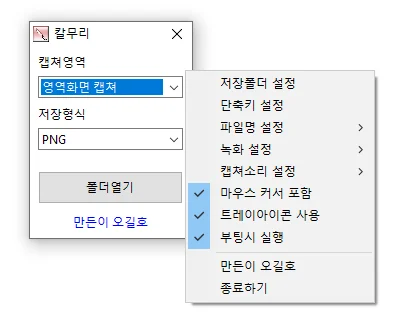
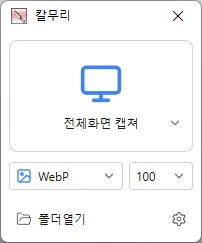
Fixed the Print Screen key not working on first launch in some Windows 11 environments Changed capture and recording folders to be configured separately Added capture and recording delay settings and countdown cancellation Added an option to create a desktop shortcut during installation Moved the settings button to the title bar and resized the open folder button Fixed the title bar briefly changing when closing a window Capture the full screen, active programs, window controls, or selected areas Edit captured images instantly without saving them first Record videos in full screen or a selected area Extract text from images using OCR Pin captured images on your screen Save in PNG, JPG, BMP, GIF, WebP, or MP4 format Share captured images directly to the web Print captured images instantly Pick colors from anywhere on your screen Capture entire web pages