

ZipMania
A fast and lightweight free archive utility.
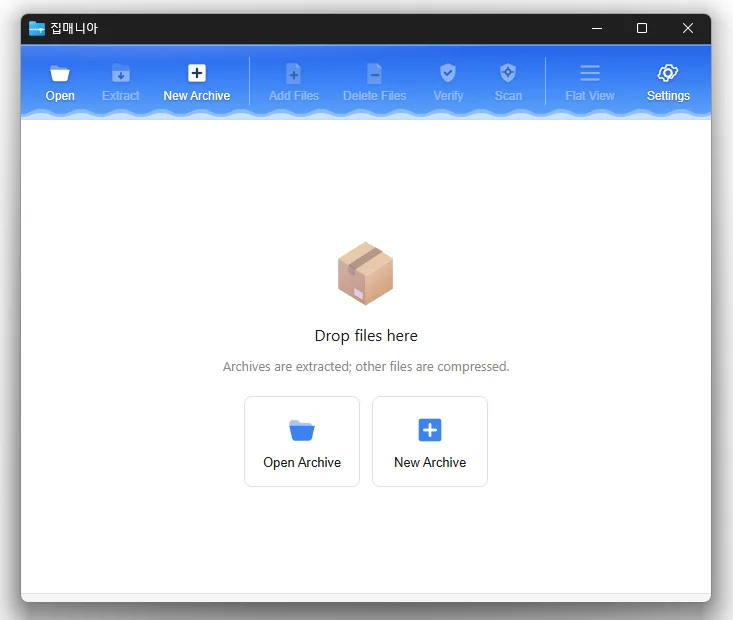
Feature
- Opens a wide range of archive formats, including ZIP, RAR, 7Z, EGG, ALZ, and ISO.
- Previews images and text without extracting the archive.
- Uses a dedicated ZIP engine for fast compression and extraction.
- Supports password protection, filename encryption, and split archives.
- Compresses and extracts files directly from the Windows Explorer context menu.
- Free to use with no ads or bundled software.
Usage
- Double-click an archive or open it from the Windows Explorer context menu.
- Select the files you need to extract, or add files to create an archive.
Homepage
License
- ZipMania is Freeware.
- Use it anywhere you like — at the office, at home, in government offices, or at school.
- You may redistribute it freely anywhere.
History
-
Version 1.0.3 (2026/11/04)
- Refined confirmation dialogs for adding or deleting files and command line errors
- Added a setting to choose a flat or cascading legacy context menu
- Changed combo box lists so hovered items no longer receive selected item highlighting
- Added closing of running ZipMania processes before installation or uninstallation
- Corrected Russian post compression and Vietnamese new archive translations
- Added Thai language support
-
Version 1.0.2 (2026/10/19)
- Changed how commands appear in the Windows 11 legacy menu
- Added macOS support
-
Version 1.0.1 (2026/10/12)
- Fixed column headings becoming misaligned with content when scrolling the file list horizontally
- Refined window title bar and border design
- Improved Arabic screen layout, menus, file selection and width adjustment
- Updated toolbar icon design and adjusted icon colors in dark mode
- Improved theme selection in settings with a dropdown list
- Improved the appearance of the divider between folder and file lists and column resizing lines
-
Update Policy Notice
- Auto-update is not supported to enhance security and prevent antivirus false positives.
- Updates are manually distributed after internal verification and stability confirmation.

