
There is a new post. Click here to view the latest post.
Update
- Fixed an issue where some users could lose their previous settings after stopping optimization
- Improved restoration to keep unselected settings unchanged
- Improved reliability so remaining changes can be reverted after an unsuccessful setup
- Improved compatibility for safely stopping optimization started in previous versions
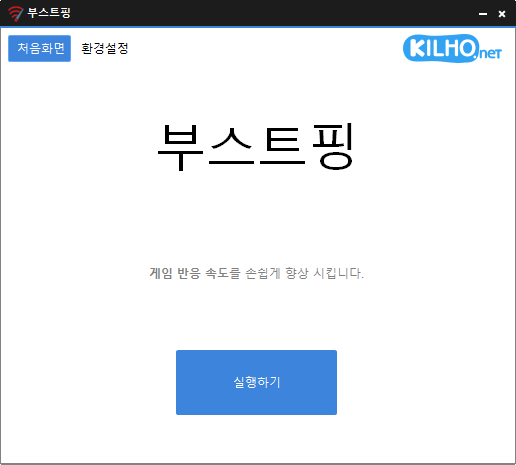
- Analyzes and sets up the exact network you are active on.
- Modify the Network throttling index
- Disables the Nagle algorithm.
Website
- BoostPing: https://boostping.kilho.net
History
-
Version 1.7.1 (2026/08/11)
- Improved stability by automatically restoring changes when setup fails
- Enhanced network switching support for wired and wireless connections
- Improved the service to keep running when an issue is detected during stop
- Fixed setup and reset issues reported in some environments
-
Version 1.7.0 (2026/07/03)
- Improved internet connectivity detection
- Enhanced network adapter detection reliability
- Improved network connect/disconnect handling
- Cleaned up and optimized network-related code
- Added Spanish language support
-
Version 1.6.9 (2026/05/13)
- Improved network stability and responsiveness
- Optimized internal system processing for better performance
- Fixed settings save issue for a smoother experience
-
Version 1.6.8 (2026/03/31)
- Improved refresh stability for smoother performance
- Enhanced protection against unexpected shutdown issues
- Optimized background operations for a more seamless experience
- Improved responsiveness for a quicker and more fluid workflow
- Added Arabic language support (thanks to Mansour Saad)
License
- BoostPing is freeware.
- You can use it freely anywhere, including at work, at home, in government offices, and at school.
- You’re free to distribute it anywhere.
Download
 Download
(Windows)
Frequently Asked Questions (FAQ)
- Is BoostPing free?
Yes, you can use BoostPing for free anywhere, including at work, at home, in government offices, and at school. - Do I need to install it?
No, you can get started easily by running the executable file—no installation needed. - Does it help with regular internet use, too?
BoostPing is optimized for online gaming, so we recommend closing it when browsing the internet or doing other general online activities.
Related Links
- Update notice: https://kilho.net/archives/notice/2940