

BoostPing
Makes your online games feel snappier.
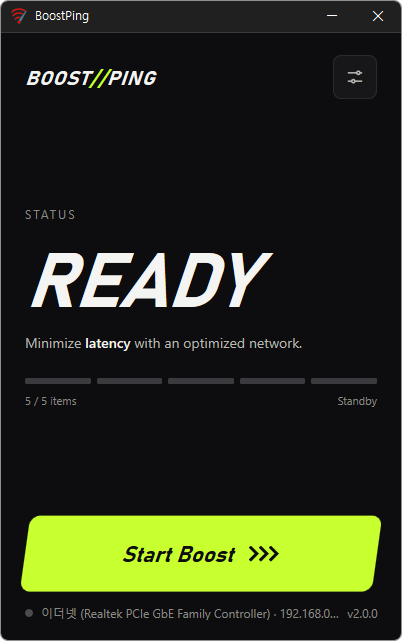
Feature
- Analyzes and sets up the exact network you are active on.
- Modify the Network throttling index
- Disables the Nagle algorithm.
Usage
- Press the "Run" button.
Homepage
License
- BoostPing is Freeware.
- Use it anywhere you like — at the office, at home, in government offices, or at school.
- You may redistribute it freely anywhere.
History
-
Version 2.0.1 (2026/11/10)
- Added relaunch handling after graphics related crashes in some environments
- Refined shutdown handling for the running app during installation and uninstallation
- Refined Spanish and Italian error messages to use a more formal tone
-
Version 2.0.0 (2026/10/12)
- Improved the screen design to show the current status and selected items at a glance
- Improved ease of use with descriptions for each setting and clearer start/stop buttons
- Reduced screen freezes when applying/reverting settings and reconnecting the network
- Improved status recovery so applied settings can be correctly identified and reverted after closing the program during a settings change
- Improved reading direction and text display on Arabic screens
- Changed system requirements to support only 64-bit Windows
- Improved update installation to prevent leftover files and duplicate startup entries from the previous version
-
Version 1.7.2 (2026/09/16)
- Fixed an issue where some users could lose their previous settings after stopping optimization
- Improved restoration to keep unselected settings unchanged
- Improved reliability so remaining changes can be reverted after an unsuccessful setup
- Improved compatibility for safely stopping optimization started in previous versions
-
Update Policy Notice
- Auto-update is not supported to enhance security and prevent antivirus false positives.
- Updates are manually distributed after internal verification and stability confirmation.
 Download now
(Windows)