Kategori: Update

Update

Secret Video 1.4.1 Update

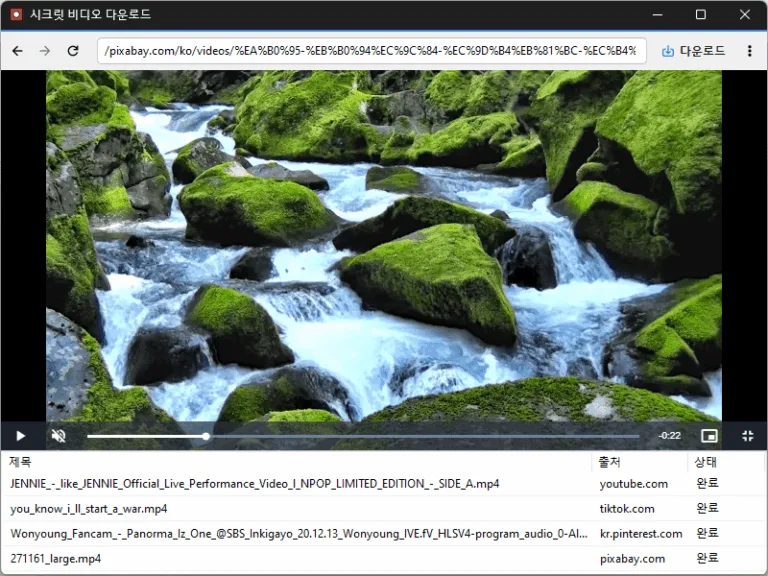
Changed sized sign-in popups to open in a separate window Conveniently watch videos from OTT services and various other websites. Automatically switch full-screen video to a PIP window. Freely adjust the position and size of the PIP window. Keep watching in the PIP window while doing other work. Save an entire web page as an image with a hotkey. Easily save publicly available videos.
Selanjutnya — Secret Video 1.4.1 Update
Update

SecretDNS 4.1.2 Update

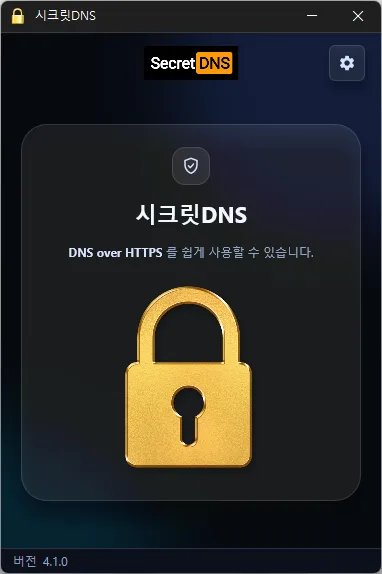
Restored the program and its previous running state after graphics errors on some systems Fixed the program closing when launched again immediately after startup Added a setting to minimize to the tray when closing Added support for Windows 7/8.1 and earlier Windows 10 versions Only specified domains can perform SNI fragmentation. Secure your DNS with DNS over HTTPS. The ability to bypass SNI eavesdropping (HTTP/HTTPS) is included. Fragmentation of only the SNI string to minimize slowdown. Minimize access problems through whitelisting. It is used by specifying a DNS server through packet bypass without changing Windows settings. You can easily check the information of the accessed site. With Recommended Options, you can add exceptions for only the sites you need and enjoy a smooth experience.

Selanjutnya — SecretDNS 4.1.2 Update
Update

AutoClick 2.0.2 Update

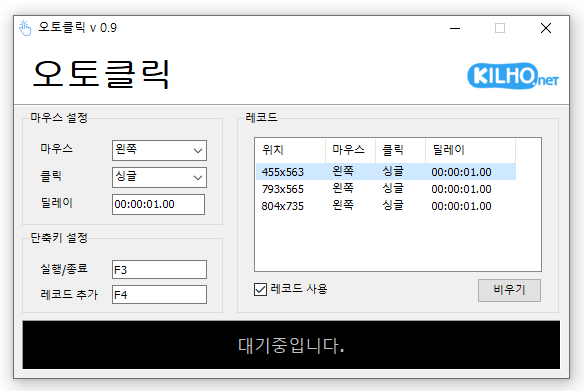
Changed installation and removal to close the running app after saving Refined the appearance and highlighting of expanded selection lists A mouse automatic click program. You can add time and coordinates to use in multiple patterns. Click details can be specified.

Selanjutnya — AutoClick 2.0.2 Update
Update

Nemo 1.0.0 Update

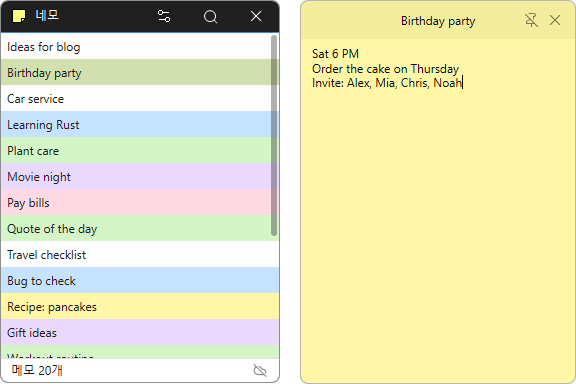
Added server sync 2 seconds after saving, every 10 minutes, or on demand Added sync that preserves notes edited on multiple devices as conflict copies Added note search by title and body in the list window Added note count and server connection and sync status to the list window Added a global shortcut for opening a new note and the option to change it Changed tray icon clicks to bring open note windows to the front Added emoji support Open a note like a sticky note and jot down thoughts as they come to you. A note’s position, size, and pin setting stay the same the next time you launch the app. Choose from a range of colors to tell your notes apart at a glance. Search note titles and contents to find what you need. Connect to the server whenever you need to manage the same notes on your PC and the web. Sign in securely through your browser using OAuth 2.0 and PKCE. Add emoji to give your notes a little more personality.

Selanjutnya — Nemo 1.0.0 Update
Update

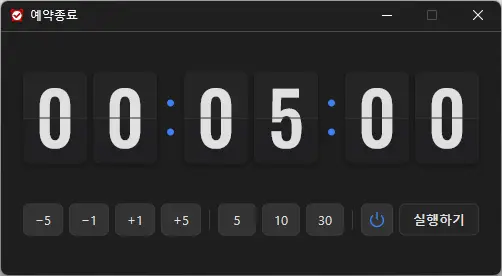
KTimer 2.0.1 Update

Changed power mode selection to a highlighted two-button Power/Moon toggle, narrowed timer buttons to keep the controls on one row You can automatically shut down your computer at a time of your choosing. The computer shutdown screen is automatically captured.

Selanjutnya — KTimer 2.0.1 Update
Update

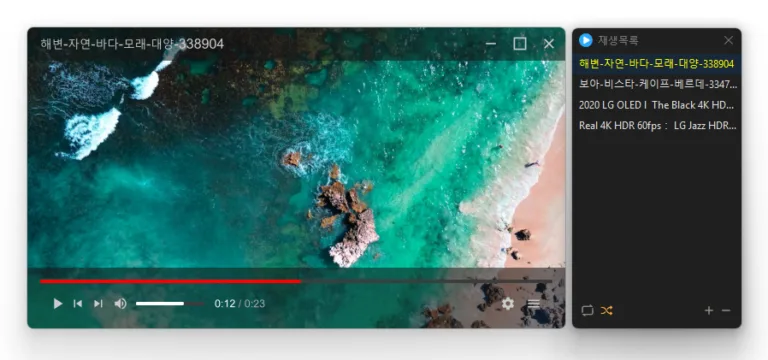
KPlayer 1.3.0 Update

Added aspect ratio preservation when resizing from a window edge Changed shortcut settings to assign keys for each action Refined recovery after graphics errors in some environments Added selection of multiple playlist items by dragging across empty space Centered value labels on settings sliders Added shortcuts for changing the display size Added a shortcut for rotating the display Changed subtitle color selection to use a clickable color box Added playlist search Fixed the edge scrolling direction when moving playlist items Fixed seeking and volume adjustment failures in some locales Plays many media formats right away, with no extra codecs to install. Hardware acceleration keeps high-resolution video smooth. Ready to use as soon as it is installed, and it stays light and fast.

Selanjutnya — KPlayer 1.3.0 Update
Update

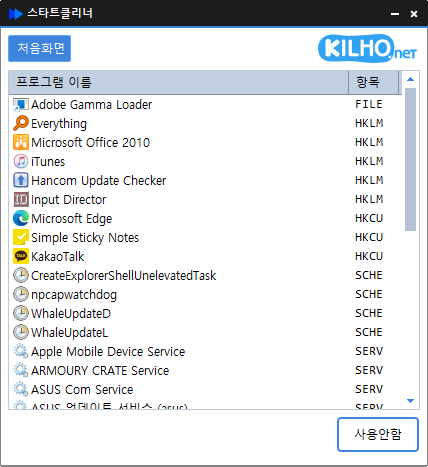
StartCleaner 2.0.3 Update

Fixed unexpected exits while loading the startup list in some environments Fixed list rows appearing partially clipped while scrolling Added a restart after graphics errors in some environments Easily manage programs that run automatically at boot time. Unified management of startup folders, registry, task scheduler, services, and more. Safely change settings by disabling instead of deleting.

Selanjutnya — StartCleaner 2.0.3 Update
Update

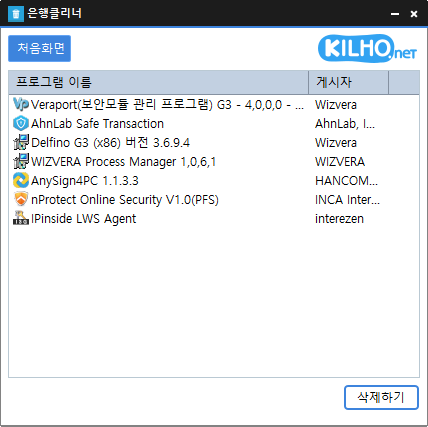
BankCleaner 1.0.3 Update

Added a list of selected Windows apps with an option to remove them for the current user Fixed unexpected exits while loading the program list in some environments Fixed list rows appearing partially clipped while scrolling Added automatic restarts after graphics errors in some environments Easily remove security (?) programs that you have no choice but to install. Enjoy the convenience of using it without installation, from a single file.

Selanjutnya — BankCleaner 1.0.3 Update
Update

Secret Video 1.4.0 Update

Changed save-folder selection from a Browse button to clicking the field Changed shortcut-entry styling to muted text and an accent border Refined dropdowns to highlight only the item under the pointer Refined separators and the delete item label in the download-list context menu Updated the installer to close a running app normally during installation and removal Conveniently watch videos from OTT services and various other websites. Automatically switch full-screen video to a PIP window. Freely adjust the position and size of the PIP window. Keep watching in the PIP window while doing other work. Save an entire web page as an image with a hotkey. Easily save publicly available videos.
Selanjutnya — Secret Video 1.4.0 Update
Update

ImageConverter 2.1.0 Update

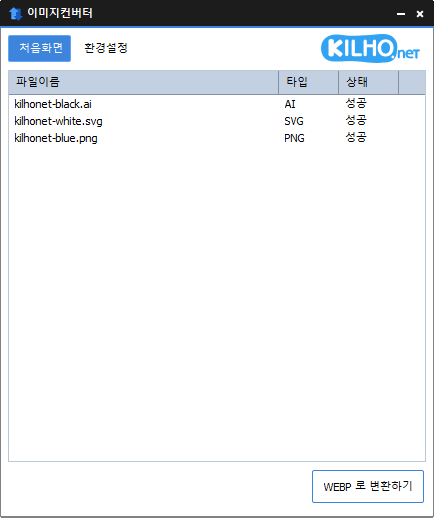
Added drag and drop conversion from Explorer to JPG, PNG, GIF, WEBP, and TIFF Added the Explorer context menu to both the Windows 11 menu and the classic menu Reduced interruptions to the full conversion job when individual files fail Fixed GIF and WEBP conversion errors for filenames containing % You can change various image formats. Save JPG with higher compression using MozJPEG. Specify the width and the image will be resized accordingly. Supports PDF, SVG, AI, PSD, PNG, JPG, GIF, WEBP, and TGA. Images with file signature information are recognized even if they don't have an extension.

Selanjutnya — ImageConverter 2.1.0 Update
Update

KPlayer 1.2.0 Update

Fixed the Always on Top state changing after switching apps or closing Settings Fixed video duration appearing one second longer than the actual length Fixed playback crashes in some environments Fixed an error when closing the program after playback Prevented crashes when adding deeply nested folders to the list Plays many media formats right away, with no extra codecs to install. Hardware acceleration keeps high-resolution video smooth. Ready to use as soon as it is installed, and it stays light and fast.

Selanjutnya — KPlayer 1.2.0 Update