Kategori: Update

Update

KPlayer 1.3.1 Update

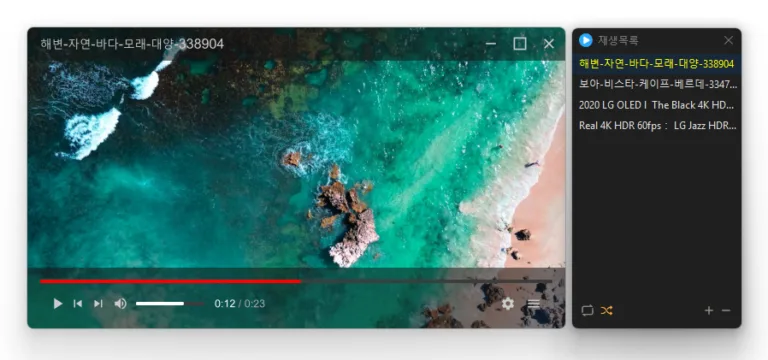
Fixed update and confirmation dialogs appearing behind always on top windows Changed the window title to show the folder, file name, and playlist position Added separate options to disable automatic hiding of the caption and control bar Added caption and control bar display when seeking with the keyboard Added playback controls with Windows media keys while the window is inactive Changed Stop to pause playback and return to the beginning Added repeat playback between selected start and end points Changed the default playback speed shortcuts to C X Z Added experimental reverse playback to the context menu Plays many media formats right away, with no extra codecs to install. Hardware acceleration keeps high-resolution video smooth. Ready to use as soon as it is installed, and it stays light and fast.
Selanjutnya — KPlayer 1.3.1 Update
Update

OpenSide 1.1.6 Update

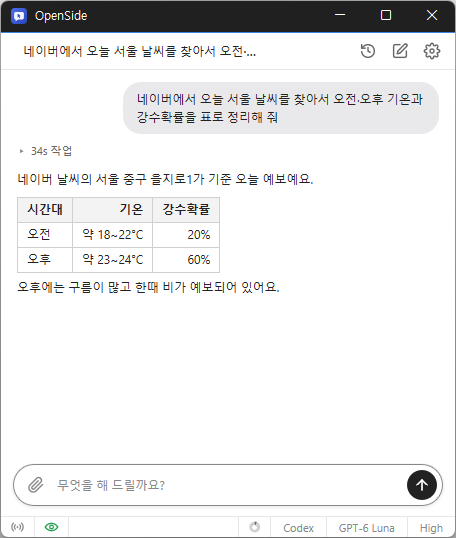
Changed the text cursor to follow the active window and system blink settings Fixed black edges appearing while resizing windows Fixed text overflow in single-line inputs and lists and overlap with list arrows Refined spacing between images and text and separated URL lines in blog posts Fixed duplicate numbering in numbered lists Updated label saving to fit within the 200-byte limit Fixed requests being rejected with an error in reopened conversations Fixed redelivered files not showing a download button or reaching Telegram Tell AI what you need, and it handles searches, clicks, and typing. Automate repetitive tasks like filling out forms and collecting data. Use your existing Chrome or Edge browser and stay signed in. Request tasks and receive results from anywhere via Telegram. Save collected data to Excel.

Selanjutnya — OpenSide 1.1.6 Update
Update

StayOn 2.0.2 Update

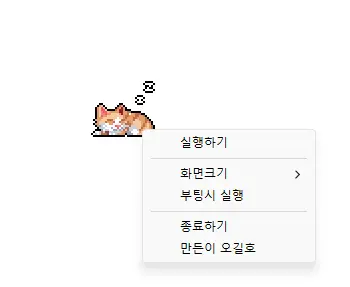
Changed Windows startup settings to show their current state and enabled startup after installation Changed installation and removal to close the running app cleanly first Keeps your computer from going into sleep mode or turning off the screen while you work. Works without adjusting any Windows power or sleep settings. Rebuilt in C to greatly reduce the program's file size. Click the cute animated cat on your screen to turn sleep prevention on or off.

Selanjutnya — StayOn 2.0.2 Update
Update

BoostPing 2.0.1 Update

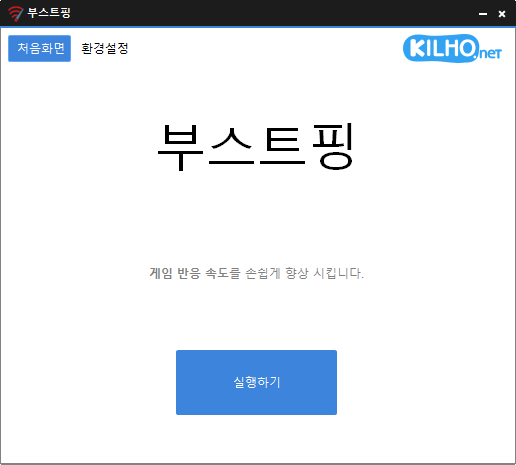
Added relaunch handling after graphics related crashes in some environments Refined shutdown handling for the running app during installation and uninstallation Refined Spanish and Italian error messages to use a more formal tone Analyzes and sets up the exact network you are active on. Modify the Network throttling index Disables the Nagle algorithm.

Selanjutnya — BoostPing 2.0.1 Update
Update

FileIndex 0.9.7 Update

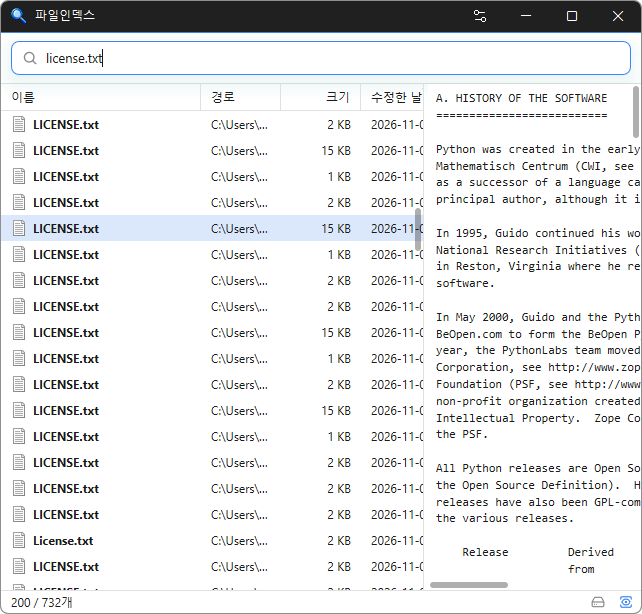
Reduced freezing when interacting with lists or opening files, folders, and web addresses. Fixed freezing during real-time updates when reopening windows. Updated document preview tables to wrap long text without spaces within cells. Changed document previews to update only after arrow-key file navigation stops. Fixed an issue where arrow-key input would stop working when selecting preview items in certain environments. Fixed black areas remaining after resizing a window during document preview. Instantly find files across your entire PC by simply typing a file name. Supports Korean initial consonant search to find files with just a few keystrokes. Offers advanced search filters, including extensions, file sizes, wildcards, and regular expressions. Detects duplicate files by comparing names, sizes, and file contents. Keeps search results up to date by tracking file changes in real time. Minimizes system impact with fast initial indexing and low memory usage. Supports opening, copying, dragging and dropping, and previewing files just like File Explorer. Keeps your file index stored locally without sending data to external servers. Supports 22 languages and light and dark themes.

Selanjutnya — FileIndex 0.9.7 Update
Update

Kalmuri 5.1.0 Update

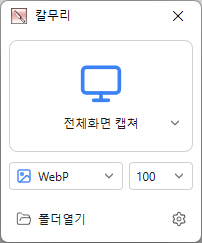
Added an editor for editing captured images without saving them to a file first Added tools for selection, shapes, lines, text, redaction, and cropping Capture the full screen, active programs, window controls, or selected areas Edit captured images instantly without saving them first Record videos in full screen or a selected area Extract text from images using OCR Pin captured images on your screen Save in PNG, JPG, BMP, GIF, WebP, or MP4 format Share captured images directly to the web Print captured images instantly Pick colors from anywhere on your screen Capture entire web pages

Selanjutnya — Kalmuri 5.1.0 Update
Update

MemoryCleaner 3.0.2 Update

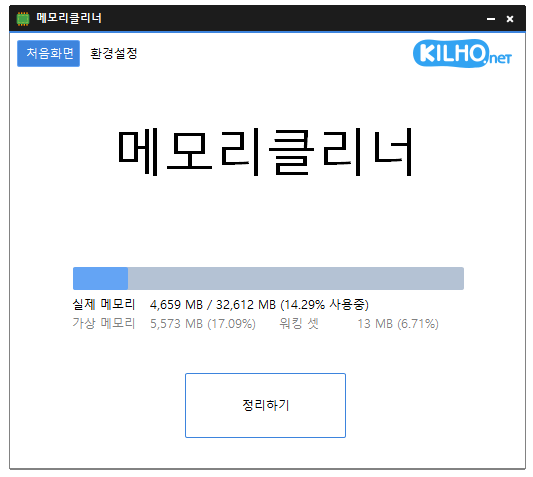
Fixed unexpected program exits during logoff or restart in some environments when using the Korean IME Refined translations of settings names, memory labels, and messages in some languages Changed how running programs are closed during installation or uninstallation Changed the app display name to MemoryCleaner in all languages except Korean A lightweight program for efficient memory management. Choose which memory areas you want to clean. Automatically cleans memory based on your selected interval or memory usage. Automatically clears cached memory when available memory runs low. Runs quietly in the system tray with minimal memory usage.

Selanjutnya — MemoryCleaner 3.0.2 Update
Update

WorldView 1.0.4 Update

Added a retry when graphics device creation fails in some environments Added a setting to choose page turning or zooming as the default mouse wheel action Refined settings lists to highlight only the item under the pointer Fixed viewer exits after losing the graphics device Opens JPEG, PNG, GIF, WebP, TIFF, BMP, SVG, JPEG XL, and many other image formats. Views images inside ZIP, RAR, and 7Z archives and PDF pages, page by page, without extracting them. Supports single-page, two-page, cover-page, and webtoon viewing modes. Supports animated images, auto-rotation, color conversion, and smooth zooming. Uses GPU rendering and image caching to display high-resolution images smoothly. Provides file associations, fullscreen viewing, image information, and Recycle Bin deletion.

Selanjutnya — WorldView 1.0.4 Update
Update

Kalmuri 5.0.5 Update

Added video and audio quality options for MP4 recordings and changed the default video quality to Standard Capture the full screen, active programs, window controls, or selected areas Edit captured images instantly without saving them first Record videos in full screen or a selected area Extract text from images using OCR Pin captured images on your screen Save in PNG, JPG, BMP, GIF, WebP, or MP4 format Share captured images directly to the web Print captured images instantly Pick colors from anywhere on your screen Capture entire web pages

Selanjutnya — Kalmuri 5.0.5 Update
Update

ZipMania 1.0.3 Update

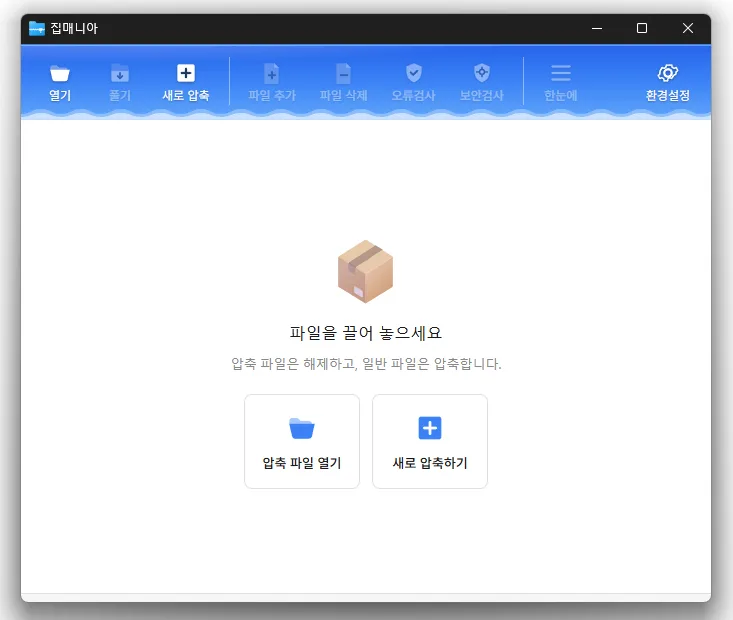
Refined confirmation dialogs for adding or deleting files and command line errors Added a setting to choose a flat or cascading legacy context menu Changed combo box lists so hovered items no longer receive selected item highlighting Added closing of running ZipMania processes before installation or uninstallation Corrected Russian post compression and Vietnamese new archive translations Added Thai language support Opens a wide range of archive formats, including ZIP, RAR, 7Z, EGG, ALZ, and ISO. Previews images and text without extracting the archive. Uses a dedicated ZIP engine for fast compression and extraction. Supports password protection, filename encryption, and split archives. Compresses and extracts files directly from the Windows Explorer context menu. Free to use with no ads or bundled software.

Selanjutnya — ZipMania 1.0.3 Update
Update

Nemo 1.0.1 Update

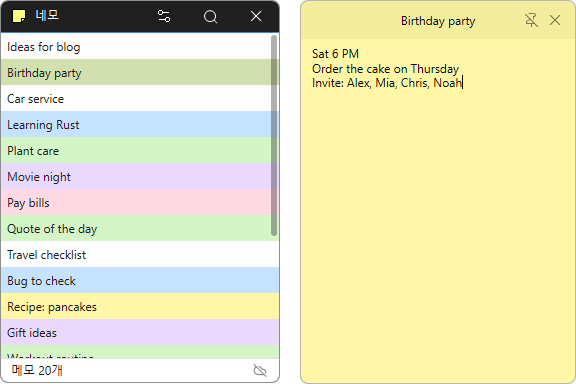
Opened the list when clicking the tray icon with no notes open Added four spaces when pressing Tab in note text Changed list and note scrollbars to appear only on hover or while scrolling Changed list order by dragging items, synced the order across PCs, and placed new notes at the top Disabled the run at startup setting in portable builds Increased line spacing in note text Open a note like a sticky note and jot down thoughts as they come to you. A note’s position, size, and pin setting stay the same the next time you launch the app. Choose from a range of colors to tell your notes apart at a glance. Search note titles and contents to find what you need. Connect to the server whenever you need to manage the same notes on your PC and the web. Sign in securely through your browser using OAuth 2.0 and PKCE. Add emoji to give your notes a little more personality.

Selanjutnya — Nemo 1.0.1 Update